When working with large text files, remove duplicate lines can quickly become a problem. Whether you are managing data lists, processing logs, cleaning scraped content, or organizing keywords, repeated lines make your file messy and harder to analyze. Removing duplicate lines helps you keep your data clean, structured, and easy to use.
Fortunately, removing duplicate lines from a text file is easier than many people think. With the right tools and simple techniques, you can clean thousands of lines of text within seconds.
In this guide, we will explore what duplicate lines are, why they appear, and the easiest ways to remove them from your text files.
What Are Duplicate Lines in a Text File?
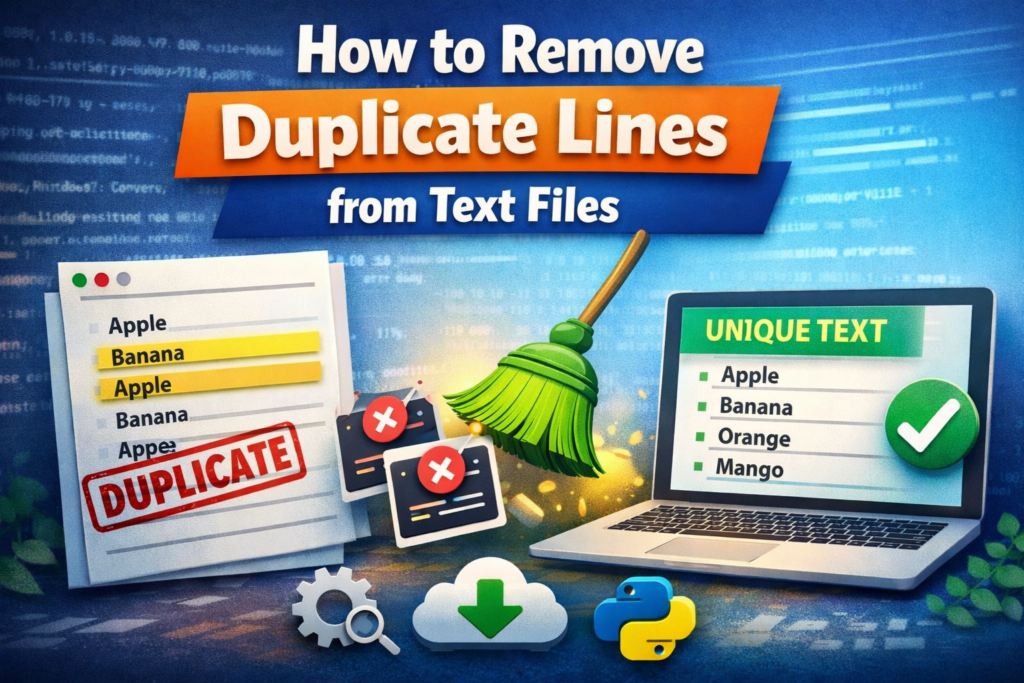
Duplicate lines are lines that appear more than once in the same text document. For example:
- Apple
- Banana
- Orange
- Apple
- Banana
- Mango
In this example, Apple and Banana appear twice. These repeated entries are considered duplicate lines.
Duplicate lines often appear when:
- Data is copied from multiple sources
- Lists are merged without filtering
- Logs are generated repeatedly
- Scraped data contains repeated values
Removing these duplicates helps ensure your data remains clean and unique.
Why Removing Duplicate Lines Is Important
Cleaning duplicate lines is not just about organization. It also improves data quality and efficiency. Here are some reasons why removing duplicates matters.
1. Better Data Accuracy
Duplicate entries can distort results when analyzing lists, reports, or datasets. Removing them ensures more accurate results.
2. Improved File Readability
A file with repeated lines is harder to read and manage. Unique lines make the content easier to understand.
3. Faster Data Processing
Large files with duplicates take longer to process. Cleaning duplicates can reduce file size and improve performance.
4. Useful for SEO and Keyword Lists
If you work with keyword lists or scraped data, duplicate keywords can waste time and affect analysis. Removing them helps maintain a clean keyword list.
Method 1: Use an Online Duplicate Line Remover Tool
The easiest way to remove duplicate lines is by using an online text tool. Many websites provide duplicate line remover tools that automatically detect and remove repeated lines.
Steps to follow:
- Copy your text file content
- Paste it into the duplicate line remover tool
- Click the Remove Duplicate Lines button
- Copy or download the cleaned text
These tools work instantly and can process thousands of lines in seconds.
They are especially helpful for:
- SEO keyword lists
- Data cleaning
- CSV or TXT files
- Programming logs
Method 2: Remove Duplicate Lines Using Excel
If your text file contains structured data, Excel can also help remove duplicates.
Steps:
- Paste the text into an Excel column
- Select the column
- Click Data → Remove Duplicates
- Excel will keep only unique values
This method works well for smaller datasets or when you want to organize data visually.
Method 3: Remove Duplicate Lines Using Programming
For developers or advanced users, duplicate lines can also be removed using programming languages such as Python.
A simple script can convert lines into a set, which automatically removes duplicates.
Example concept:
- Read the text file
- Store lines in a unique data structure
- Write the cleaned output to a new file
This method is useful for large datasets or automation tasks.
Tips to Avoid Duplicate Lines in the Future
While removing duplicates is simple, preventing them can save time. Here are a few helpful tips:
- Always clean data before merging multiple files
- Use tools that filter duplicates automatically
- Organize data in structured formats like CSV or spreadsheets
- Regularly check keyword or data lists for repeated entries
Keeping your files organized from the beginning reduces the chances of duplicate lines appearing later.
Final Thoughts
Duplicate lines are a common issue when working with text files, data lists, or scraped content. Fortunately, removing them is quick and simple with the right approach. Whether you use an online duplicate line remover tool, Excel, or a programming script, you can easily clean your text files and keep only unique lines.
Maintaining clean data not only improves readability but also makes analysis faster and more accurate. If you frequently work with large text files, using a dedicated duplicate line removal tool can save significant time and effort.
FAQs
Q: What does removing duplicate lines mean?
A: Removing duplicate lines means deleting repeated lines from a text file so that each line appears only once. This helps keep the data clean, organized, and easier to analyze.
Q: How can I remove duplicate lines from a text file quickly?
A: The fastest way is to use an online duplicate line remover tool. Simply paste your text into the tool, click the remove duplicates option, and it will instantly return a list containing only unique lines.
Q: Can duplicate lines affect data analysis?
A: Yes, duplicate lines can negatively affect data analysis. Repeated entries may produce incorrect results, increase file size, and make the dataset harder to read. Removing duplicates ensures more accurate analysis.
Q: Is it possible to remove duplicate lines without software?
A: Yes, you can remove duplicate lines manually or by using tools like Excel or Google Sheets. These programs have built-in features such as Remove Duplicates that help clean your data easily.
Q: What types of files can contain duplicate lines?
A: Duplicate lines can appear in many file types including TXT files, CSV files, log files, keyword lists, coding scripts, and scraped data files.
Q: Why do duplicate lines appear in text files?
A: Duplicate lines usually appear when data is copied from multiple sources, files are merged together, automated logs repeat entries, or datasets are collected without proper filtering.
Q: Can duplicate lines be removed automatically?
A: Yes, many online text tools automatically detect and remove duplicate lines. These tools can process thousands of lines instantly and are very useful for cleaning large datasets.
Q: Are duplicate line remover tools safe to use?
A: Most reputable online tools are safe to use for cleaning text data. However, if you are working with sensitive or private information, it is better to use offline software or scripts.
Read Also
- How to Remove Special Characters from Text Online Free Without Login
- Convert Text Case In Html Content Quickly
- Convert Text Case for CSV Files Online – Accurate & Effortless
- Bulk Convert Text Case for Large Content
- How To Convert Mixed Case Text To Proper Case
- Fix Incorrect Capitalization In Copied Text Online
- Convert Text To Title Case For YouTube Titles: The Ultimate Guide
- Change Text Case in Notepad++ Easily (Guide With Real Use Cases)
- Convert Sentence Case In Bulk Online Free
- Convert Lowercase To Uppercase In Google Docs Automatically