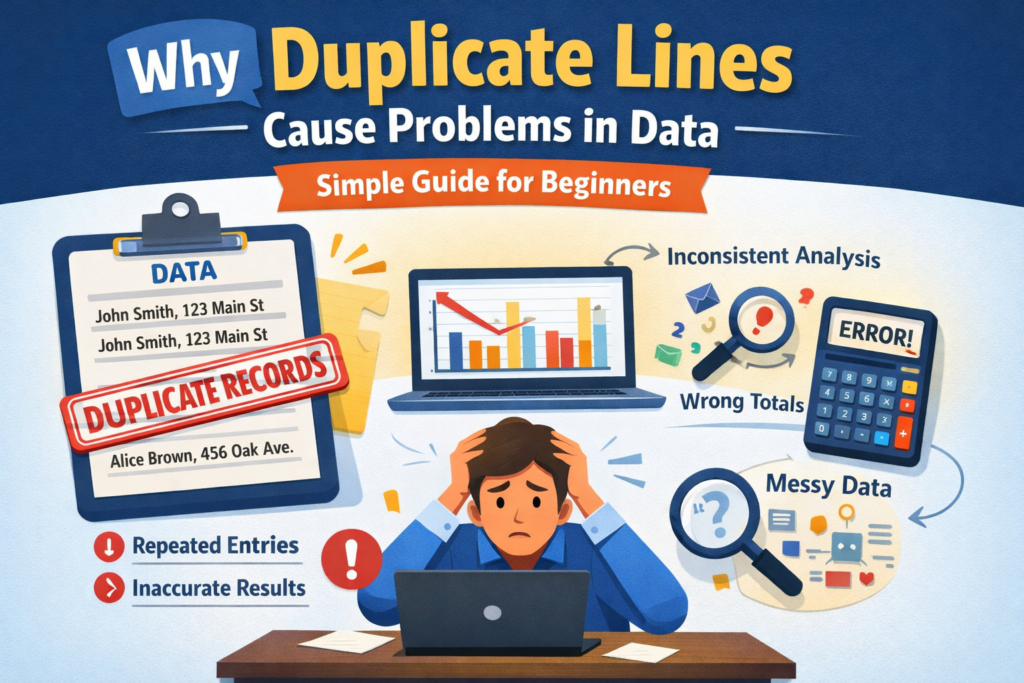
If you’ve ever worked with Excel sheets, databases, or any kind of data, you’ve probably seen duplicate lines. At first, they don’t look like a big deal. It’s just the same row repeated twice… or maybe a few more times.
But here’s the truth: duplicate data can quietly damage your work, your reports, and even your business decisions.
Let’s break it down in a simple, human way so you clearly understand why remove duplicate lines are a problem and why Google (and your users) care about clean data.
What Are Duplicate Lines in Data?
Duplicate lines are repeated records in a dataset. For example:
- Same customer entered twice
- Same order recorded multiple times
- Same email stored again and again
Sometimes duplicates are exact copies. Other times, they’re slightly different (like “Rahul Sharma” vs “R. Sharma”), which makes them harder to spot.
Why Duplicate Data Is a Big Problem
1. Wrong Results in Reports
This is the biggest issue.
When duplicate lines exist, your totals become incorrect. Let’s say you’re calculating total sales—duplicates can make your numbers look higher than they actually are.
That means:
- You might think you’re making more profit than you are
- You may invest in the wrong products
- Your decisions become unreliable
In simple words: bad data = bad decisions.
2. Confusing Customer Information
Imagine you have the same customer listed three times in your system.
Now what happens?
- You might send the same email multiple times
- Customer support gets messy
- You don’t know which record is correct
This creates a poor user experience and makes your system look unprofessional.
3. Slower Performance
More data doesn’t always mean better data.
Duplicate lines increase the size of your dataset unnecessarily. This can:
- Slow down your system
- Make files heavier
- Increase loading time
If you’re working with large databases or websites, this becomes a serious issue.
4. Wasted Storage and Money
If you’re using cloud storage or paid tools, duplicate data costs you money.
You’re basically paying to store the same information again and again.
For businesses handling large-scale data, this waste can grow quickly.
5. Problems in Data Analysis and SEO
If you’re using data for SEO, marketing, or analytics, duplicates can mislead your strategy.
For example:
- You may think a keyword is performing better than it actually is
- You might target the wrong audience
- Your reports become unreliable
Search engines like Google value accuracy and structure. Messy data can indirectly affect your performance and insights.
6. Issues in Automation and AI
Duplicate data can confuse automation tools and AI systems.
For example:
- Emails may be sent twice
- Same task gets repeated
- AI models learn incorrect patterns
This reduces efficiency and creates errors that are hard to trace.
Why It’s Hard to Detect Duplicates
Not all duplicates look the same.
Some are:
- Exact copies
- Slightly different (spelling mistakes, formatting changes)
- Hidden across multiple files
That’s why many people don’t even realize duplicates exist until problems start showing up.
How to Prevent Duplicate Lines
You don’t need complex tools to start. A few simple habits can help a lot:
- Use unique IDs (like customer ID instead of name)
- Avoid manual copy-paste errors
- Validate data while entering it
- Regularly clean your dataset
Prevention is always easier than fixing messy data later.
Final Thoughts
Duplicate lines may look small, but their impact is big.
They affect your:
- Accuracy
- Performance
- Decision-making
- User experience
If you want reliable data and better results whether for business, analytics, or SEO keeping your data clean should be a top priority.
Read Also
- How to Remove Special Characters from Text Online Free Without Login
- Convert Text Case In Html Content Quickly
- Convert Text Case for CSV Files Online – Accurate & Effortless
- Bulk Convert Text Case for Large Content
- How To Convert Mixed Case Text To Proper Case
- Fix Incorrect Capitalization In Copied Text Online
- Convert Text To Title Case For YouTube Titles: The Ultimate Guide
- Change Text Case in Notepad++ Easily (Guide With Real Use Cases)
- Convert Sentence Case In Bulk Online Free
- Convert Lowercase To Uppercase In Google Docs Automatically