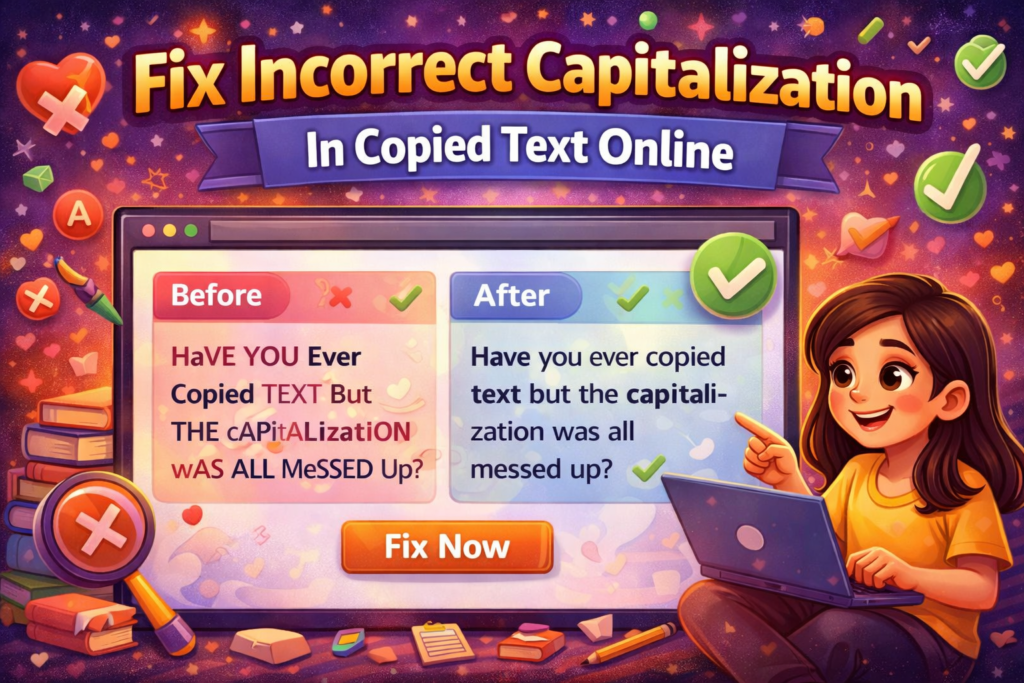
Have you ever copied text from a website, PDF, or document, only to find that the capitalization is completely off? Maybe everything is in ALL CAPS, or every word’s first letter is capitalized like this, Or Sometimes it’s just a random mess.
If yes, don’t worry you’re not alone. Incorrect capitalization is one of the most common formatting problems, especially when you copy-paste content from different sources.
In this guide, we’ll show you how to fix incorrect capitalization in copied text online, using simple tools and tricks that anyone can use. By the end, your text will look clean, professional, and easy to read perfect for websites, blogs, or documents.
Why Does Copied Text Lose Its Capitalization?
When you copy text from certain websites, PDFs, or documents, the original formatting doesn’t always transfer correctly. Some common issues include:
- All Caps: EVERYTHING IS IN CAPITAL LETTERS
- Title Case Errors: Every Word Starts With a Capital Letter
- Random Capitalization: Some letters are capitalized for no reason
- Sentence Case Errors: Sentences start in lowercase or with wrong letters
These errors not only make your content harder to read but also look unprofessional. For SEO purposes, poorly formatted content may reduce engagement and readability scores.
Easy Ways to Fix Capitalization Online
1. Use Online Case Converter Tools
The easiest way to fix capitalization is by using free online tools. These tools let you paste your copied text and convert it into the correct format instantly.
Popular options include:
- Sentence Case Converter: Capitalizes only the first letter of each sentence
- Lowercase Converter: Makes all text lowercase
- Uppercase Converter: Makes all text uppercase
- Title Case Converter: Capitalizes the first letter of each word
How to use:
- Open any online case converter (search “sentence case converter” in Google).
- Paste your copied text.
- Choose the format you want (usually sentence case for normal content).
- Copy the corrected text and use it wherever you need.
✅ This method is quick and perfect for long blocks of text.
2. Use Google Docs or Microsoft Word
If you’re working offline, tools like Google Docs or Microsoft Word have built-in options to fix capitalization.
Steps in Google Docs / MS Word:
- Paste your text into the document.
- Highlight the text you want to fix.
- Go to the Format menu → Text → Capitalization (Word also has “Change Case”).
- Select your preferred case: Sentence case, lowercase, or UPPERCASE.
This is very helpful when dealing with multiple paragraphs or long-form content.
3. Manual Editing for Small Text
For short text or headlines, sometimes the easiest method is manual editing:
- Capitalize the first letter of each sentence.
- Ensure proper nouns (names, places, brands) are capitalized.
- Keep everything else in lowercase to maintain readability.
While it takes a little time, manual editing gives you full control over the formatting.
Why Correct Capitalization Matters for SEO
Proper capitalization isn’t just about looking professional it also affects your SEO and user experience:
- Readability: Text is easier to read and understand.
- User Engagement: Well-formatted content keeps readers on your page longer.
- Professional Appearance: Content looks trustworthy and well-edited.
- Search Engine Ranking: Google values content that is user-friendly and readable.
Poor capitalization can make even great content look low quality, which can hurt your traffic and rankings.
Pro Tips for Better Formatting
- Always use sentence case for body text.
- Use title case for headings and subheadings.
- Avoid ALL CAPS except for special emphasis.
- Always preview your text after copy-pasting to catch any errors.
- Consider combining tools and manual checks for the best results.
Final Thoughts
Incorrect capitalization in copied text is a common problem, but it’s also an easy fix. By using online converters, word processors, or manual editing, you can quickly turn messy text into clean, professional content. Remember, proper capitalization improves readability, user experience, and even SEO performance, so don’t ignore it when creating content for your website or blog. Next time you copy text online, take a few extra minutes to fix the capitalization—it will make a huge difference in how your content looks and performs. If you want, I can also create a SEO-optimized meta title, meta description, and keyword suggestions for this blog so it’s fully ready to rank on Google. This will make it more complete for search engines.
Read Also
- How to Remove Special Characters from Text Online Free Without Login
- Convert Text Case In Html Content Quickly
- Convert Text Case for CSV Files Online – Accurate & Effortless
- Bulk Convert Text Case for Large Content
- How To Convert Mixed Case Text To Proper Case
- Fix Incorrect Capitalization In Copied Text Online
- Convert Text To Title Case For YouTube Titles: The Ultimate Guide
- Change Text Case in Notepad++ Easily (Guide With Real Use Cases)
- Convert Sentence Case In Bulk Online Free
- Convert Lowercase To Uppercase In Google Docs Automatically