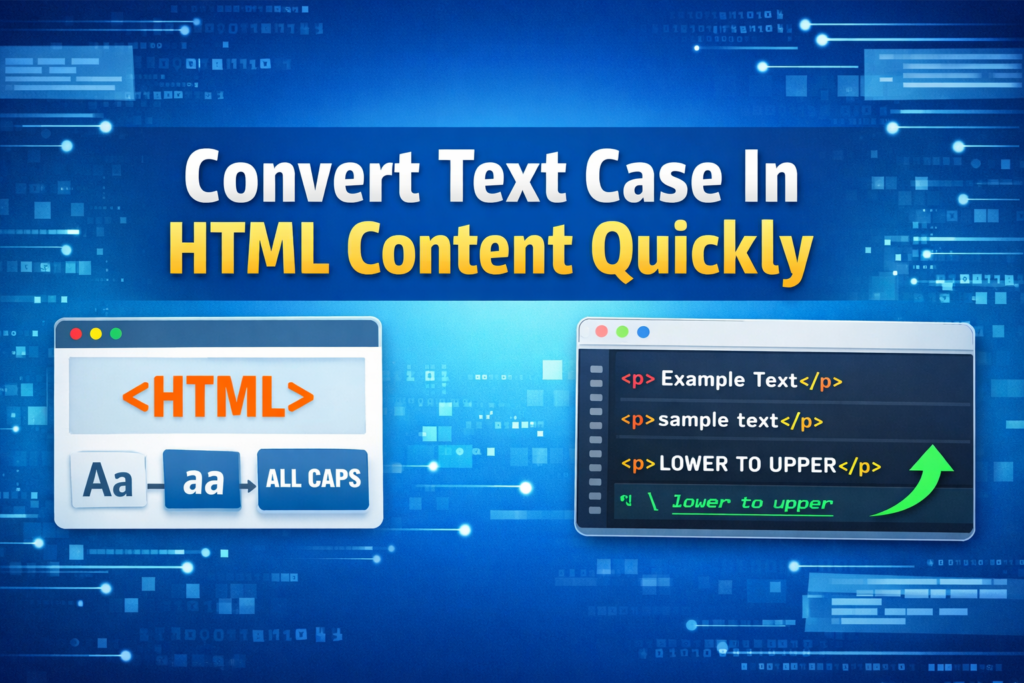
Managing text case in HTML content often feels overwhelming. However, it becomes simple with the right approach. Clean formatting improves readability and boosts user experience. Moreover, consistent text case enhances SEO performance.
Therefore, converting text case quickly is essential for developers and content creators.
Why Text Case Matters in HTML Content
Convert Text Case directly affects how users read and understand content. For example, uppercase text grabs attention instantly. Meanwhile, lowercase text improves readability for longer paragraphs.
Additionally, consistent formatting builds trust and professionalism. As a result, your website appears more reliable. Search engines also favor well-structured content.
Common Types of Text Case Conversion
1. Uppercase Conversion
Uppercase transforms all letters into capital form. It works best for headings and highlights. Furthermore, it creates strong visual emphasis.
2. Lowercase Conversion
Lowercase converts all letters into small form. It improves readability significantly. Therefore, it suits long paragraphs and descriptions.
3. Title Case Conversion
Title case capitalizes the first letter of each word. It is perfect for headings and titles. Consequently, it creates a clean and structured look.
4. Sentence Case Conversion
Sentence case capitalizes only the first word of a sentence. It maintains a natural reading flow. Hence, it works well for blogs and articles.
Best Methods to Convert Text Case in HTML
Using CSS for Text Transformation
CSS offers a quick solution for case conversion. You can apply styles without changing the original content.
Example:
text-transform: lowercase;
text-transform: capitalize;
This method is efficient and flexible. However, it only affects visual appearance.
Using JavaScript for Dynamic Conversion
JavaScript provides more control over text manipulation. It changes the actual content dynamically.
Example:
text.toLowerCase();
Therefore, it is ideal for interactive tools and user inputs.
Using Online Case Converter Tools
Online tools simplify the process instantly. You just paste your HTML content and convert it. Moreover, these tools save time and effort.
They also support multiple formats. As a result, they are perfect for quick tasks.
Benefits of Quick Text Case Conversion
Improved Readability
Clear formatting helps users understand content faster. Consequently, users stay longer on your page.
Better SEO Performance
Search engines prefer structured and readable content. Therefore, proper case usage improves rankings.
Enhanced User Experience
Users enjoy clean and consistent text. As a result, engagement increases naturally.
Time Efficiency
Quick conversion tools save valuable time. Hence, you can focus on content quality.
Tips for Efficient HTML Text Formatting
First, always choose the right case for your content. Next, maintain consistency across all pages. Additionally, avoid overusing uppercase text.
Moreover, test your content on different devices. This ensures better readability everywhere. Finally, use automation tools whenever possible.
Common Mistakes to Avoid
Many users ignore consistency in text formatting. However, this creates confusion. Also, excessive uppercase reduces readability.
Another mistake is relying only on visual styling. Instead, ensure actual content formatting when needed. Therefore, balance both approaches carefully.
Tools That Help Convert Text Case Quickly
Several tools make case conversion effortless. For example, browser extensions offer quick access. Similarly, code editors include built-in features.
Online platforms also provide advanced options. As a result, you can handle large content easily.
Conclusion
Converting text case in HTML content is simple and powerful. It improves readability and enhances user experience. Moreover, it supports better SEO performance. Therefore, use the right tools and methods consistently. This ensures clean, professional, and effective content every time.
Read Also
- How to Remove Special Characters from Text Online Free Without Login
- Convert Text Case In Html Content Quickly
- Convert Text Case for CSV Files Online – Accurate & Effortless
- Bulk Convert Text Case for Large Content
- How To Convert Mixed Case Text To Proper Case
- Fix Incorrect Capitalization In Copied Text Online
- Convert Text To Title Case For YouTube Titles: The Ultimate Guide
- Change Text Case in Notepad++ Easily (Guide With Real Use Cases)
- Convert Sentence Case In Bulk Online Free
- Convert Lowercase To Uppercase In Google Docs Automatically