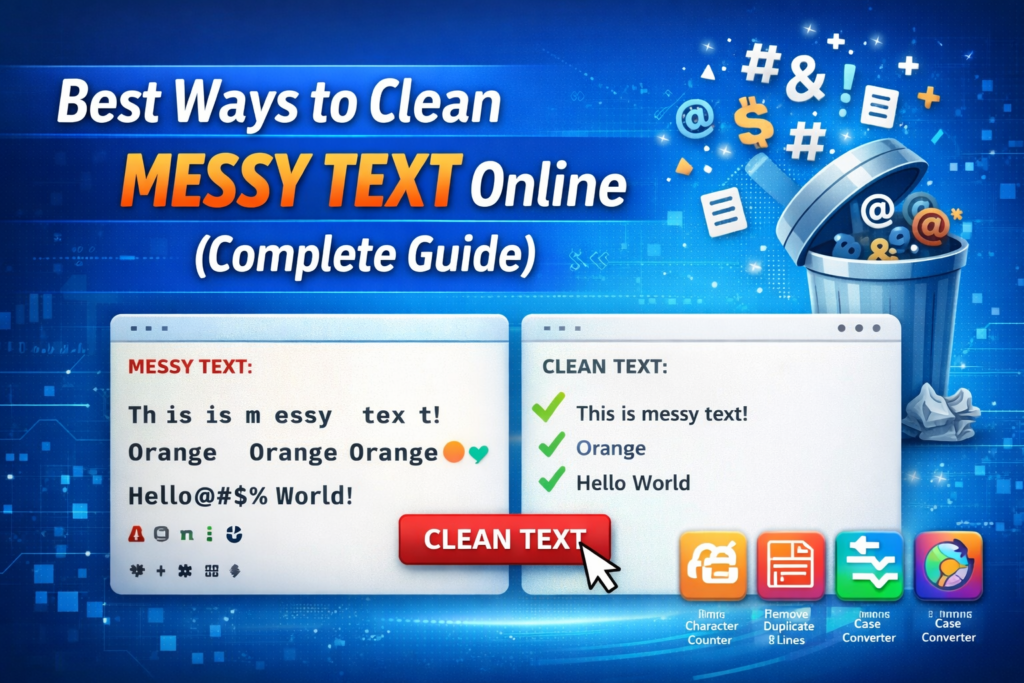
When you copy text from websites, PDFs, emails, or documents, it often comes with extra spaces, broken formatting, special characters, or duplicate lines. This type of content is commonly called messy text.
Messy text can make your content look unprofessional and difficult to read. It can also create problems when uploading data to spreadsheets, publishing blog posts, or processing text for coding.
The good news is that there are several easy online methods to clean messy text quickly. In this guide, we will explore the best ways to clean messy text online, explain common formatting issues, and show how simple tools can help you organize your content instantly.
What Is Messy Text?
Messy text refers to unstructured or poorly formatted text that contains unwanted formatting elements.
This usually happens when text is copied from sources like:
- PDF documents
- Websites
- Email messages
- Word files
- Spreadsheets
- Online databases
- These sources often include hidden formatting elements that create messy text.
Common Problems Found in Messy Text
Before cleaning text, it’s important to understand the most common issues.
1. Extra Spaces Between Words
Sometimes text contains multiple spaces between words.
Example:
Clean version:
This problem usually occurs when copying text from formatted documents.
2. Unwanted Line Breaks
Another common issue is random line breaks.
Example:
of messy text copied
from a PDF document.
These line breaks break the natural flow of sentences.
3. Special Characters and Symbols
Messy text may contain unnecessary characters like:
Example:
Clean version:
These symbols are often added during formatting or data conversion.
4. Duplicate Lines
When copying lists or datasets, you may get repeated lines.
Example:
Banana
Apple
Orange
Banana
After cleaning:
Banana
Orange
Removing duplicates helps maintain clean and organized data.
5. Random Capitalization
Messy text may contain inconsistent capitalization.
Example:
Clean version:
Fixing capitalization improves readability and professionalism.
Why Cleaning Messy Text Is Important
Cleaning text is not just about appearance. It also improves usability.
1. Better Content Readability
Readers prefer content that is clean and well structured.
When text is messy, it becomes difficult to read and understand.
2. Improved SEO Performance
Search engines prefer clear and structured content. Removing unnecessary characters and formatting improves the overall content quality.
3. Faster Data Processing
When importing data into systems like Excel, databases, or software applications, messy text can create errors.
Cleaning the text ensures smoother processing.
4. Professional Content Presentation
Clean text helps create professional-looking blog posts, reports, and documents.
Best Ways to Clean Messy Text Online
Now let’s explore the most effective ways to clean text quickly.
1. Use an Online Text Cleaner Tool
The easiest way to clean messy text is by using a Text Cleaner tool.
These tools automatically detect and fix formatting problems.
They can remove:
- Extra spaces
- Duplicate lines
- Special characters
- Line breaks
- Unwanted symbols
Steps to use it:
- Copy your messy text.
- Paste it into the text cleaner tool.
- Click the clean or process button.
- Copy the cleaned text instantly.
This method is fast and beginner-friendly.
2. Remove Extra Spaces Automatically
Extra spaces make text look disorganized.
Online tools can instantly convert:
Into:
This improves readability and formatting.
3. Remove Duplicate Lines
For large datasets or lists, duplicate lines are common.
Using a Remove Duplicate Lines tool helps eliminate repeated entries instantly.
This is especially useful for:
- Keyword lists
- Product data
- Email lists
- CSV files
4. Remove Line Breaks
Many documents contain unnecessary line breaks.
A Line Break Remover tool converts broken sentences into proper paragraphs.
Example:
with many
line breaks
Clean version:
5. Remove Special Characters
Another important cleaning step is removing symbols that are not required.
Example messy text:
Clean version:
This is helpful when preparing text for SEO, coding, or databases.
6. Convert Text Case
Text formatting tools also allow you to convert text case easily.
You can convert text into:
- Uppercase
- Lowercase
- Sentence case
- Title case
Example:
Converted:
7. Use an All-in-One Text Formatting Tool
Some advanced tools combine multiple features in one place.
These tools can:
- Remove extra spaces
- Fix capitalization
- Remove duplicate lines
- Remove line breaks
- Remove special characters
Using a complete text formatting tool saves time when working with large text files.
Real-World Examples Where Text Cleaning Is Useful
Cleaning text is helpful in many real-world scenarios.
Bloggers and Content Writers
Bloggers often copy research content from multiple sources. Cleaning text helps remove unwanted formatting.
Developers
Developers frequently clean text before inserting it into databases or APIs.
SEO Experts
SEO professionals clean text to prepare keyword lists, meta descriptions, and content drafts.
Data Analysts
Data analysts clean datasets before importing them into spreadsheets or analysis tools.
Tips for Cleaning Text Efficiently
Follow these tips for the best results:
✔ Always review the cleaned text
✔ Avoid removing necessary punctuation
✔ Keep backup of original text
✔ Use reliable online tools
✔ Process large text in sections
These steps ensure accuracy while cleaning text.
Best Online Tools for Cleaning Text
If you regularly work with messy text, these tools can help:
- Text Cleaner
- Remove Extra Spaces
- Remove Duplicate Lines
- Line Break Remover
- Character Counter
- Word Counter
- Case Converter
- Text Compare
- Remove Special Characters
Using these tools together makes text formatting much easier and faster.
FAQs
Q: What is messy text?
A: Messy text is text that contains formatting problems such as extra spaces, duplicate lines, special characters, or broken formatting.
Q: What is the fastest way to clean messy text?
A: The fastest method is using an online text cleaner tool that automatically fixes formatting issues.
Q: Why does messy text appear after copying content?
A: Messy text usually appears when copying text from PDF files, websites, or formatted documents.
Q: Can I clean large text files online?
A: Yes, most text cleaning tools support large text inputs and process them instantly.
Q: Are text cleaning tools free?
A: Many online tools are completely free and easy to use.
Conclusion
Messy text can make your content difficult to read and manage. Fortunately, modern online tools make it easy to clean, format, and organize text within seconds.
By removing extra spaces, duplicate lines, special characters, and formatting issues, you can transform messy content into clean, professional text ready for publishing or data processing.
If you frequently work with text, using online text cleaning tools can save time and significantly improve productivity.