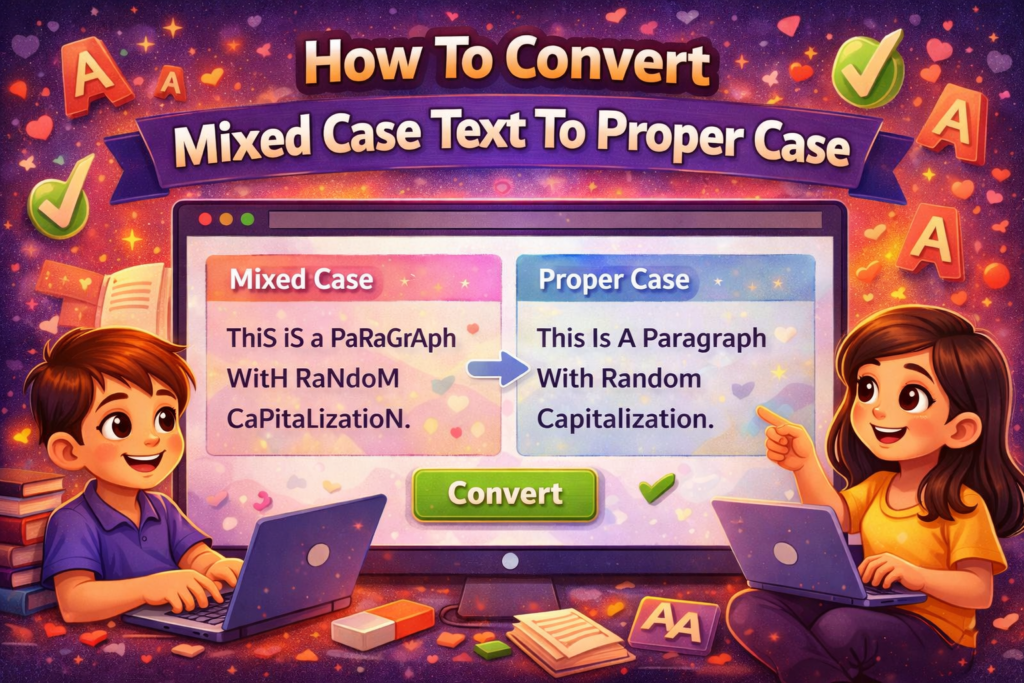
If you often work with text in Microsoft Word, Excel, or any other platform, you might notice that some texts come in all uppercase, all lowercase, or mixed case. Mixed case text can look messy and unprofessional. Luckily, converting text to Proper Case Convert is easy and can save you a lot of time.
What Is Proper Case?
Proper Case means that the first letter of each word is capitalized, and the rest of the letters are in lowercase.
For example:
- Mixed Case:
hElLo wOrLD - Proper Case:
Hello World
Why Proper Case Is Important
- Professional Appearance – Makes documents, emails, and presentations look polished.
- Readability – Text is easier to read and understand.
- Consistency – Maintains a uniform style across all your writing.
Methods To Convert Mixed Case Text To Proper Case
1. Using Microsoft Word
Microsoft Word has a built-in feature to change text case easily:
- Select the text you want to format.
- Go to the Home tab.
- Click on the Change Case button (Aa icon).
- Select Capitalize Each Word.
Your text will instantly convert to proper case.
2. Using Microsoft Excel
Excel also has a simple formula:
- Suppose your text is in cell
A1. In cell
B1, type:=PROPER(A1)- Press Enter.
- The text in
B1will be in proper case.
This works great if you have a large list of names or titles.
3. Online Tools
If you don’t have Word or Excel, you can use online tools:
- Search for “Proper Case Converter”.
- Paste your text.
- Click Convert.
This is fast and convenient for quick formatting.
4. Using Programming Languages
For those who code, proper case can be applied using scripts:
Python Example:
text = “hElLo wOrLD”
proper_text = text.title()
print(proper_text)Output:
Hello WorldJavaScript Example:
function toProperCase(str) {
return str.replace(/\w\S*/g, (txt) => txt.charAt(0).toUpperCase() + txt.substr(1).toLowerCase());
}
console.log(toProperCase(“hElLo wOrLD”));Output:
Hello World
Tips For Proper Case Conversion
- Check for Exceptions – Words like “iPhone” or acronyms like “NASA” might need manual correction.
- Use Formulas for Bulk Work – Especially useful in Excel for large datasets.
- Preview Before Applying – Always double-check your text to avoid mistakes.
Conclusion
Converting mixed case text to proper case is quick, easy, and essential for professional documents. Whether you use Word, Excel, online tools, or code, you can ensure your text is readable, neat, and consistent.
Read Also
- How to Remove Special Characters from Text Online Free Without Login
- Convert Text Case In Html Content Quickly
- Convert Text Case for CSV Files Online – Accurate & Effortless
- Bulk Convert Text Case for Large Content
- How To Convert Mixed Case Text To Proper Case
- Fix Incorrect Capitalization In Copied Text Online
- Convert Text To Title Case For YouTube Titles: The Ultimate Guide
- Change Text Case in Notepad++ Easily (Guide With Real Use Cases)
- Convert Sentence Case In Bulk Online Free
- Convert Lowercase To Uppercase In Google Docs Automatically