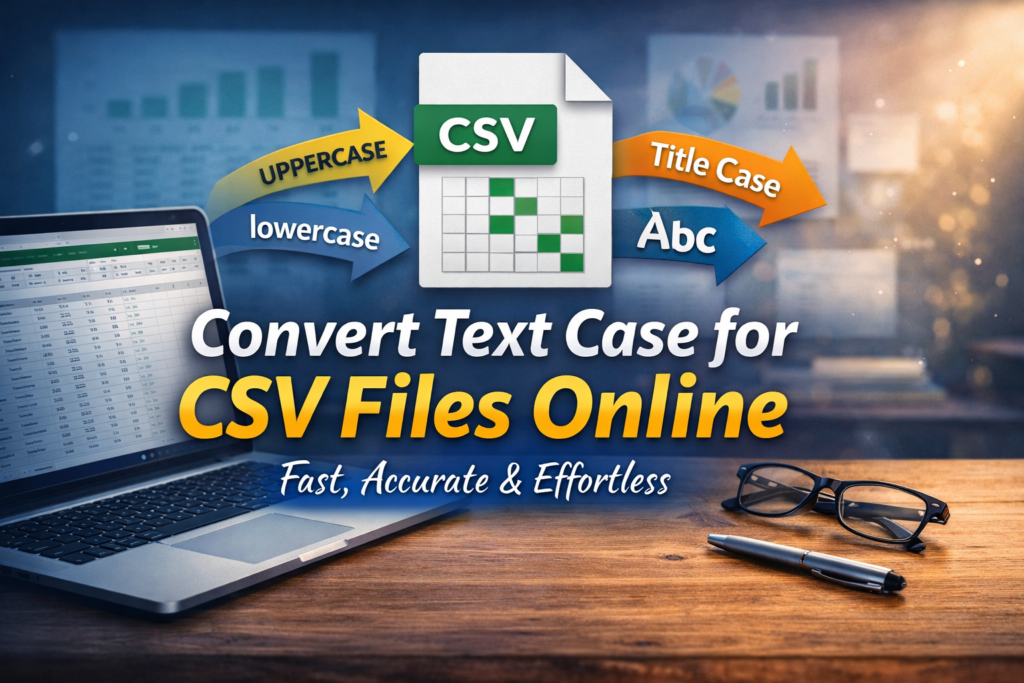
Handling CSV files often feels overwhelming. However, simple tools can completely change that experience. When you convert text case online, your workflow becomes faster and smoother. Moreover, clean formatting instantly improves readability.
Many users struggle with inconsistent capitalization. Yet, online tools solve this problem within seconds. You only need to upload your file and select the desired format. As a result, your data becomes structured and professional.
Why Text Case Conversion Matters
Clean data always creates a strong impression. Therefore, converting text case plays a key role in data management. Proper formatting ensures better clarity and consistency.
Additionally, it helps when working with large datasets. For example, uniform capitalization makes sorting and filtering easier. As a result, your productivity increases significantly.
Moreover, consistent text improves collaboration. Team members understand the data quickly. Consequently, fewer errors occur during analysis.
Common Text Case Formats You Can Use
Different situations require different text formats. Fortunately, online tools offer multiple options.
Uppercase Conversion
All letters become capitalized. This format works well for headers and highlights.
Lowercase Conversion
All letters turn into small letters. It suits raw data cleaning tasks perfectly.
Title Case Conversion
Each word starts with a capital letter. This format improves readability in reports.
Sentence Case Conversion
Only the first letter of a sentence is capitalized. It creates a natural writing style.
Toggle Case Conversion
Letters switch between upper and lower case. This option helps in quick corrections.
How to Convert Text Case for CSV Files Online
The process feels simple and effortless. First, upload your CSV file into the tool. Then, select the desired case format. After that, apply the conversion instantly.
Next, preview your updated file carefully. Finally, download the processed CSV file. As a result, your data becomes clean and ready to use.
Benefits of Using Online CSV Case Converter Tools
Online tools provide powerful advantages. Most importantly, they save valuable time. You no longer need manual editing.
Moreover, these tools ensure accuracy. Even large files get processed without errors. Therefore, you can trust the results completely.
Additionally, no software installation is required. Everything works directly in your browser. This convenience makes the process faster and smoother.
Furthermore, many tools support bulk processing. You can handle thousands of rows instantly. Consequently, your efficiency improves drastically.
Best Use Cases for CSV Text Case Conversion
This feature supports various real-world tasks. For instance, marketers often clean email lists. Proper formatting improves campaign results. Similarly, developers use it to organize datasets. Clean code and data always enhance performance. As a result, projects run more efficiently. Content creators also benefit from this tool. Structured text improves readability and presentation. Therefore, content looks more professional.
Tips for Better Results
Always check your data before conversion. Small errors may affect the final output. Therefore, review your file carefully. Choose the correct format based on your needs. Not every dataset requires the same style. As a result, understanding your goal is important.
Additionally, keep a backup of your original file. This step prevents data loss. Consequently, you stay safe during processing.
Conclusion
Converting text case for CSV files online feels quick and stress-free. Moreover, it improves data quality instantly. With the right tool, you save time and effort. Therefore, start using an online case converter today. Clean data always leads to better results. As a result, your workflow becomes more efficient and professional.
Read Also
- How to Remove Special Characters from Text Online Free Without Login
- Convert Text Case In Html Content Quickly
- Convert Text Case for CSV Files Online – Accurate & Effortless
- Bulk Convert Text Case for Large Content
- How To Convert Mixed Case Text To Proper Case
- Fix Incorrect Capitalization In Copied Text Online
- Convert Text To Title Case For YouTube Titles: The Ultimate Guide
- Change Text Case in Notepad++ Easily (Guide With Real Use Cases)
- Convert Sentence Case In Bulk Online Free
- Convert Lowercase To Uppercase In Google Docs Automatically