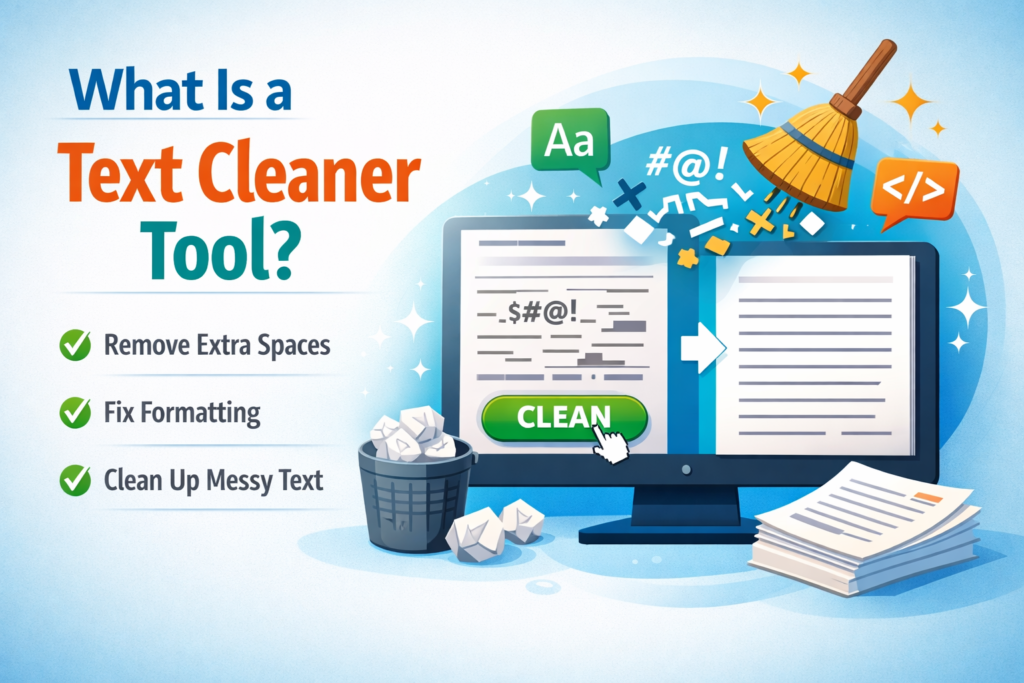
In today’s digital world, clean and well-formatted text is essential for writing, coding, blogging, and data processing. However, when you copy text from websites, PDFs, or documents, it often contains extra spaces, unwanted line breaks, strange characters, or messy formatting.
This is where a Text Cleaner Tool becomes extremely useful.
A text cleaner tool helps you remove unwanted characters, fix formatting issues, and make your text neat and readable instantly. Whether you are a blogger, developer, student, or digital marketer, this tool can save time and improve productivity.
In this guide, you will learn what a text cleaner tool is, how it works, its benefits, and why it is an essential online utility.
What Is a Text Cleaner Tool?
A Text Cleaner Tool is an online utility designed to clean, organize, and format messy text automatically. It removes unnecessary elements from text and converts it into a clean, readable format.
These tools are commonly used to remove:
- Extra spaces
- Line breaks
- Duplicate lines
- Special characters
- HTML tags
- Unwanted formatting
Instead of editing text manually, a text cleaner tool automatically fixes formatting problems in seconds.
For example, if you copy text from a PDF or website and it looks messy, you can paste it into a text cleaner tool and instantly get a clean and properly structured version.
Why Do People Use a Text Cleaner Tool?
Many people face formatting problems when working with text from different sources. A text cleaner tool solves these issues quickly.
Here are some common reasons people use it:
1. Fix Messy Copied Text
Text copied from websites or PDFs often contains random line breaks and extra spaces. A text cleaner removes these problems.
2. Save Time
Editing large text manually takes time. A text cleaner tool can clean thousands of words instantly.
3. Improve Readability
Clean text is easier to read and understand, especially for blog posts, emails, and documents.
4. Prepare Text for Coding or Data Processing
Developers often use text cleaner tools to remove unwanted characters or formatting before using data in code.
Key Features of a Text Cleaner Tool
Most modern text cleaner tools offer several powerful features.
Remove Extra Spaces
Sometimes text contains unnecessary spaces between words or sentences. The tool automatically removes extra spacing and makes the text consistent.
Remove Line Breaks
When text is copied from PDFs or documents, it may contain unwanted line breaks. A text cleaner converts broken text into proper paragraphs.
Remove Duplicate Lines
This feature helps remove repeated lines from text, which is useful for data cleaning or content editing.
Remove Special Characters
The tool can remove symbols or characters that are not needed in the text.
Clean HTML Tags
Some tools also remove HTML tags, leaving only the plain readable text.
How Does a Text Cleaner Tool Work?
A text cleaner tool works through simple text processing techniques.
Here is the typical process:
- Copy the messy text.
- Paste it into the text cleaner tool.
- Choose the cleaning options (remove spaces, line breaks, etc.).
- Click the Clean Text button.
- The tool instantly generates clean and formatted text.
This entire process usually takes just a few seconds.
Who Should Use a Text Cleaner Tool?
A text cleaner tool is helpful for many professionals and everyday users.
Bloggers and Content Writers
Writers often copy text from research sources. A text cleaner helps format content quickly before publishing.
Students
Students use these tools to clean copied notes or research materials.
Developers
Developers use text cleaner tools to prepare text data before processing it in code.
Digital Marketers
Marketers clean text before using it in emails, ads, or social media posts.
Benefits of Using a Text Cleaner Tool
Using a text cleaner tool offers many advantages.
Faster Editing
You can clean large blocks of text in seconds instead of editing manually.
Better Formatting
The tool ensures your content looks organized and professional.
Increased Productivity
By automating text cleaning, users can focus more on writing, coding, or analyzing data.
Easy to Use
Most tools have a simple interface where you just paste text and click a button.
Text Cleaner Tool vs Manual Editing
| Feature | Text Cleaner Tool | Manual Editing |
|---|---|---|
| Speed | Instant cleaning | Time-consuming |
| Accuracy | High accuracy | Human errors possible |
| Effort | Very low | Requires effort |
| Large Text Handling | Easy | Difficult |
Because of these advantages, most professionals prefer using online text cleaner tools.
Best Practices When Using a Text Cleaner Tool
To get the best results, follow these tips:
- Always review the cleaned text after processing.
- Use the right cleaning options for your needs.
- Avoid removing characters that may be important for formatting.
- Use trusted online tools for better accuracy.
FAQs
Q: What does a text cleaner tool do?
A: A text cleaner tool removes unwanted formatting such as extra spaces, line breaks, duplicate lines, and special characters. It helps convert messy text into a clean and readable format quickly without manual editing.
Q: Is a text cleaner tool free to use?
A: Many online text cleaner tools are completely free to use. You simply paste your text, select cleaning options, and the tool automatically processes the text in seconds without requiring any software installation.
Q: Can a text cleaner remove special characters?
A: Yes, most advanced text cleaner tools allow you to remove special characters, symbols, HTML tags, and unnecessary formatting. This feature is especially useful for preparing text for coding, blogging, or data processing tasks.
Q: Is it safe to use online text cleaner tools?
A: Most reputable text cleaner tools process text directly in your browser and do not store your content. However, it is always recommended to use trusted tools when working with sensitive information.
Q: Do text cleaner tools support large text?
A: Yes, many text cleaner tools support large text inputs. You can paste long paragraphs, documents, or large datasets and clean them instantly without slowing down your workflow.
Conclusion
A Text Cleaner Tool is a simple yet powerful utility that helps users remove unwanted formatting and clean messy text instantly. It is widely used by bloggers, developers, students, and digital marketers to save time and improve text readability.
Instead of spending hours fixing formatting issues manually, a text cleaner tool allows you to clean and organize text in just a few clicks.
If you frequently work with copied or unstructured text, using a reliable text cleaner tool can significantly improve your productivity and workflow.
Read Also
- How to Remove Duplicate Lines from Text Files (Easy Methods)
- Why Clean Text Improves SEO (And Why Most Websites Ignore It)
- How to Clean Text Data for Better Readability (Complete Guide)
- Fix Copy Paste Formatting Issues in Seconds (Complete Guide)
- How to Remove Extra Spaces from Text (Complete Guide)
- What Is a Text Cleaner Tool? Complete Guide for Beginners
- Best Ways to Clean Messy Text Online (Complete Guide for Fast Text Formatting)
- How to Remove Special Characters from Text Easily
- Character Counter vs Word Counter: What’s the Difference?
- Why Word Count Matters in Content Writing