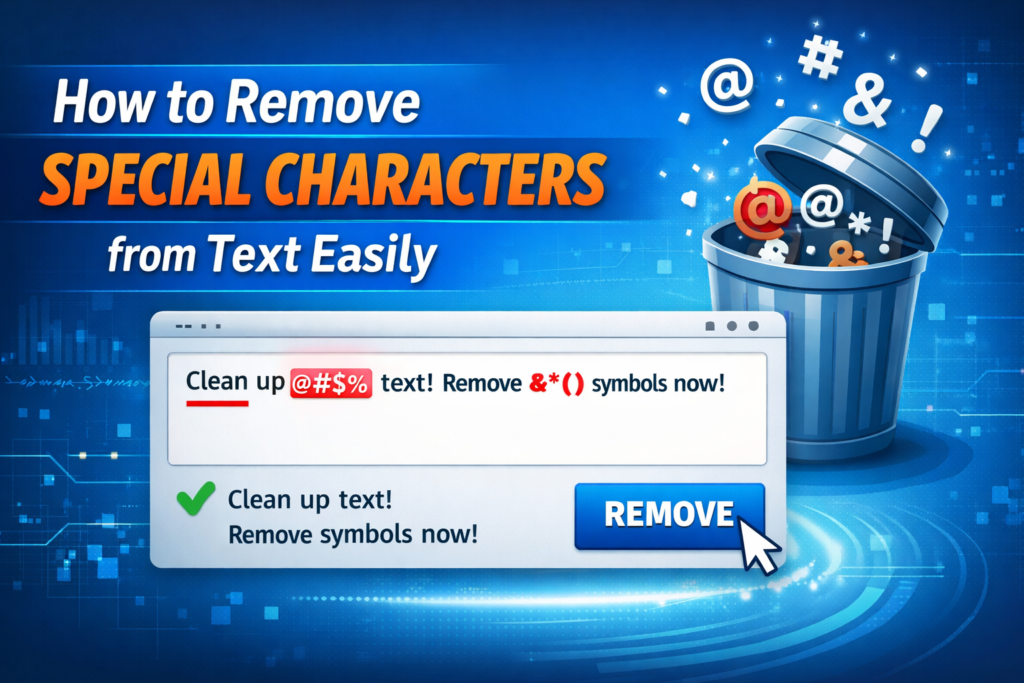
In many situations, text contains special characters that can create problems in formatting, coding, SEO, or data processing. Whether you’re cleaning text for a website, preparing a database file, or formatting content for social media, removing unnecessary characters can save time and improve readability.
Fortunately, there are several easy ways to remove special characters from text quickly and efficiently. In this guide, we will explain what special characters are, why they need to be removed, and the easiest methods you can use.
What Are Special Characters?
Special characters are symbols that are not letters or numbers. These characters are often used in punctuation, coding, or formatting.
Examples of common special characters include:
@ # $ % ^ & * ( ) _ + = [ ] { } | \ : ; " ' < > , . ? / !
While these characters can be useful in certain contexts, they can also cause problems when working with data processing, SEO content, or text formatting.
Why Remove Special Characters from Text?
There are several reasons why people remove special characters from text:
1. Improve Data Cleanliness
When importing data into spreadsheets or databases, special characters can create formatting issues.
2. Better SEO Optimization
Search engines prefer clean and readable text. Removing unnecessary symbols helps maintain SEO-friendly content structure.
3. Preparing Data for Coding
Developers often remove special characters when preparing data for programming or APIs.
4. Formatting Content
If you’re writing blog posts, social media captions, or documents, removing extra symbols improves readability.
Method 1: Use an Online Remove Special Characters Tool
The easiest way to clean text is by using an online text cleaner tool.
Steps to follow:
- Copy the text you want to clean.
- Paste it into a Remove Special Characters tool.
- Click the clean or remove button.
- Copy the cleaned text instantly.
This method is fast, accurate, and requires no technical knowledge.
It is especially useful for bloggers, developers, and content writers who frequently work with large amounts of text.
Method 2: Remove Special Characters Using Notepad or Text Editors
You can also remove characters manually using text editors like Notepad++ or other editors that support find and replace.
Basic steps:
- Open your text in the editor.
- Press Ctrl + H for Find and Replace.
- Search for the special character.
- Replace it with nothing.
- Repeat for other characters if needed.
However, this method can be time-consuming if your text contains many different symbols.
Method 3: Remove Special Characters Using Excel
If your data is stored in Excel, you can use formulas to clean it.
Example formula:
This removes a specific character from the text.
You can repeat the formula for other characters as needed.
Method 4: Use Programming to Remove Special Characters
Developers often use programming languages to clean text automatically.
Example in JavaScript:
This code removes all characters except letters, numbers, and spaces.
This method is useful when working with large datasets or automated systems.
Best Practices When Removing Special Characters
Follow these tips to avoid mistakes while cleaning text:
- Always keep necessary punctuation if required.
- Double-check that removing symbols does not change the meaning of the text.
- Use automated tools for large content files.
- Save a backup of the original text before cleaning it.
When Should You NOT Remove Special Characters?
Although removing symbols can be useful, sometimes they are necessary.
For example:
- Email addresses (
[email protected]) - Passwords
- Programming code
- Mathematical formulas
In such cases, removing special characters may break the functionality.
Related Text Tools You May Find Useful
If you frequently work with text formatting, these tools can also help:
- Character Counter
- Word Counter
- Remove Extra Spaces
- Remove Duplicate Lines
- Remove Line Breaks
- Text Cleaner
- Case Converter
- Slug Generator
These tools help improve text readability, formatting, and SEO optimization.
FAQs
Q: How do I remove special characters from text quickly?
A: The easiest way is to use an online Remove Special Characters tool where you paste your text and clean it instantly.
Q: Can I remove special characters using Excel?
A: Yes, Excel provides formulas like SUBSTITUTE that allow you to remove specific characters from text.
Q: Why should I remove special characters?
A: Removing unnecessary characters helps improve text readability, data formatting, and SEO structure.
Q: Is it safe to remove all special characters?
A: Not always. Some characters are necessary in emails, passwords, and programming code, so they should not be removed.
Q: What is the fastest method to clean text?
A: Using an online text cleaning tool is the fastest and most convenient method.