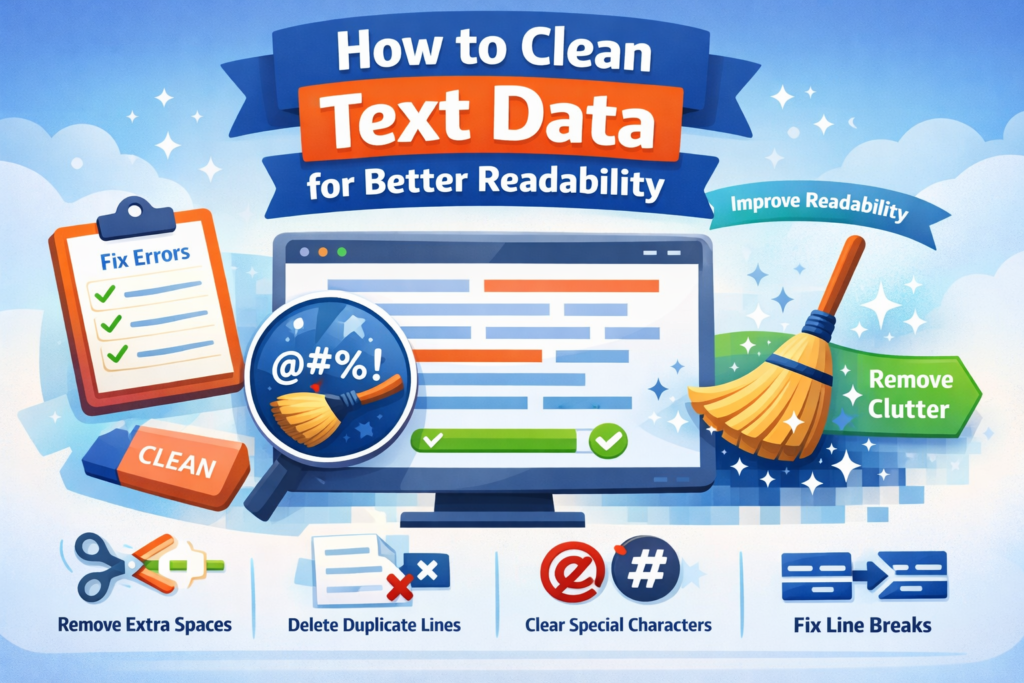
Clean and well-formatted text is essential for better readability, SEO, and user experience. Whether you are a blogger, developer, student, or content creator, messy text with extra spaces, remove line breaks, or special characters can make content difficult to read and understand.
In this guide, you will learn how to clean text data for better readability, why it is important, and the best ways to do it efficiently.
What Is Text Data Cleaning?
Text data cleaning is the process of removing unnecessary or unwanted elements from text so that the content becomes clear, readable, and structured.
This process usually includes removing things like:
- Extra spaces
- Duplicate lines
- Unnecessary line breaks
- Special characters
- Formatting errors
- Inconsistent capitalization
For example:
Before Cleaning
This is a messy text.
Special ### characters $$$ everywhere.
After Cleaning
This is a messy text
Special characters everywhere
Clean text looks professional, readable, and easy to process.
Why Cleaning Text Data Is Important
Cleaning text data improves both content quality and usability. Here are some key benefits.
1. Improves Readability
Messy formatting makes text difficult to read. Removing extra spaces and formatting issues makes content clear and easier to understand.
2. Better SEO Performance
Search engines prefer well-structured and readable content. Clean text helps search engines crawl and understand your content better.
3. Better Data Analysis
For developers and data analysts, clean text is essential for accurate data processing and analysis.
4. Professional Content Formatting
Whether it is an article, blog post, or report, clean text makes your content look professional and organized.
Common Problems in Messy Text Data
Before cleaning text data, it helps to know the most common problems.
Extra Spaces
Sometimes text contains multiple spaces between words, which reduces readability.
Example:
Unnecessary Line Breaks
Content copied from websites or PDFs often includes random line breaks.
Example:
broken
sentence
Special Characters
Special characters can appear due to formatting errors or encoding problems.
Example:
Duplicate Lines
Sometimes the same lines appear multiple times due to copy-paste errors.
Example:
Welcome to our website
Welcome to our website
Best Ways to Clean Text Data
There are several effective ways to clean text data quickly.
1. Remove Extra Spaces
Extra spaces can be removed to make sentences consistent.
Example:
Before
After
2. Remove Duplicate Lines
Duplicate lines should be removed so the text becomes clean and concise.
Example:
Before
Hello World
Hello World
After
3. Remove Special Characters
Removing unnecessary symbols improves readability.
Example:
Before
After
4. Fix Line Breaks
Combining broken lines makes sentences easier to read.
Example:
Before
broken sentence
After
5. Standardize Text Case
Consistent capitalization improves clarity.
Example:
Use Online Tools to Clean Text Instantly
Instead of manually editing text, you can use online text cleaning tools to save time.
Popular tools can help you:
- Remove extra spaces
- Delete duplicate lines
- Remove special characters
- Fix formatting issues
- Convert text case
These tools are especially useful for bloggers, developers, SEO experts, and writers who handle large amounts of text.
Tips for Better Readable Content
Follow these simple tips to make your text more readable.
Use Short Sentences
Short sentences are easier to read and understand.
Avoid Unnecessary Symbols
Too many symbols reduce clarity.
Maintain Proper Formatting
Use proper spacing, paragraphs, and headings.
Keep Content Structured
Use headings, lists, and sections to organize information.
Who Needs Text Cleaning Tools?
Text cleaning tools are useful for many people, including:
- Bloggers and content writers
- SEO professionals
- Developers and programmers
- Students and researchers
- Data analysts
Anyone who works with text regularly can benefit from cleaning text data.
Conclusion
Cleaning text data is a simple but powerful way to improve readability, content quality, and SEO performance. Removing extra spaces, duplicate lines, special characters, and formatting errors makes your content clear, professional, and easy to understand.
Using online text cleaning tools can save time and help you process large amounts of text quickly. If you regularly work with text, learning how to clean text data effectively can greatly improve your workflow.
FAQs
Q: What is text data cleaning?
A: Text data cleaning is the process of removing unnecessary elements like extra spaces, duplicate lines, and special characters to improve readability.
Q: Why is text cleaning important?
A: It improves readability, content structure, and helps search engines understand your content better.
Q: Can I clean text data automatically?
A: Yes, many online tools allow you to clean text instantly by removing formatting issues and unwanted characters.
Q: Which problems can text cleaning solve?
A: It can remove extra spaces, duplicate lines, unwanted characters, and broken formatting.
Read Also
- How to Remove Special Characters from Text Online Free Without Login
- Convert Text Case In Html Content Quickly
- Convert Text Case for CSV Files Online – Accurate & Effortless
- Bulk Convert Text Case for Large Content
- How To Convert Mixed Case Text To Proper Case
- Fix Incorrect Capitalization In Copied Text Online
- Convert Text To Title Case For YouTube Titles: The Ultimate Guide
- Change Text Case in Notepad++ Easily (Guide With Real Use Cases)
- Convert Sentence Case In Bulk Online Free
- Convert Lowercase To Uppercase In Google Docs Automatically